


Updated July 2026
Chess isn’t one hobby. It’s a lifestyle choice: the couch-rapid life, the slow-and-serious life, or the modern hybrid, satisfying click of wood, plus a gentle nudge before a move ruins the evening. That’s the exact itch smart chessboards scratch. Not just “more tech,” just an easier way to play chess the way you want to play it.
GoChess sits right in the middle of that ecosystem. It can be brilliant for the right person, and not so much for the wrong one, and the difference usually has nothing to do with specs. It’s about habits, patience for setup, and whether the idea of lights feels motivating or mildly annoying. So this is a fit guide: your fast way to figure out if GoChess matches the chess life you want and which version makes sense. Ready, set.
TL;DR
In practical terms, GoChess is built for players who want a physical board that connects to the digital chess world. It makes the most sense for people who play on Chess.com or Lichess but miss real pieces, families with different skill levels, low-to-mid rated players who want to improve, solo players without regular opponents, and anyone who likes the idea of AI coaching without making chess feel like homework.
GoChess Fit Check in 60 Seconds
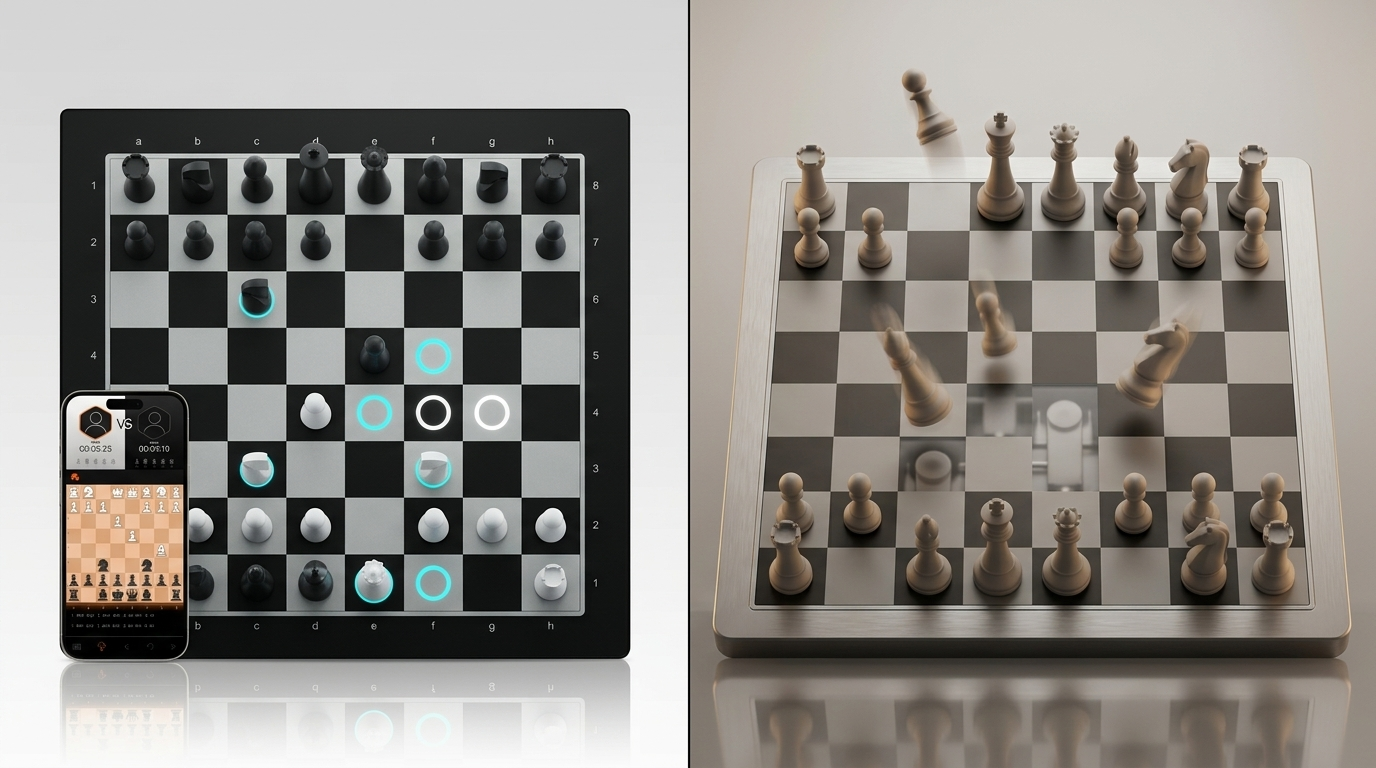
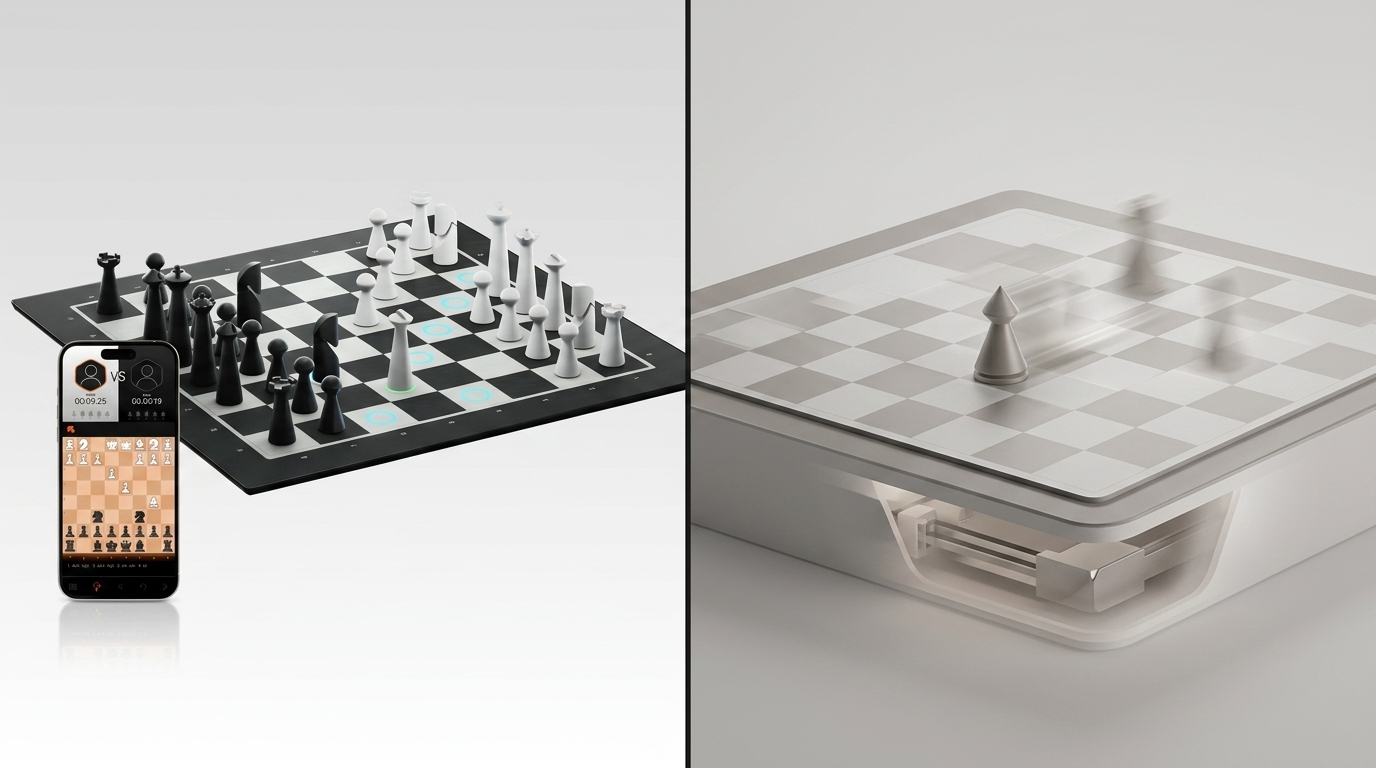
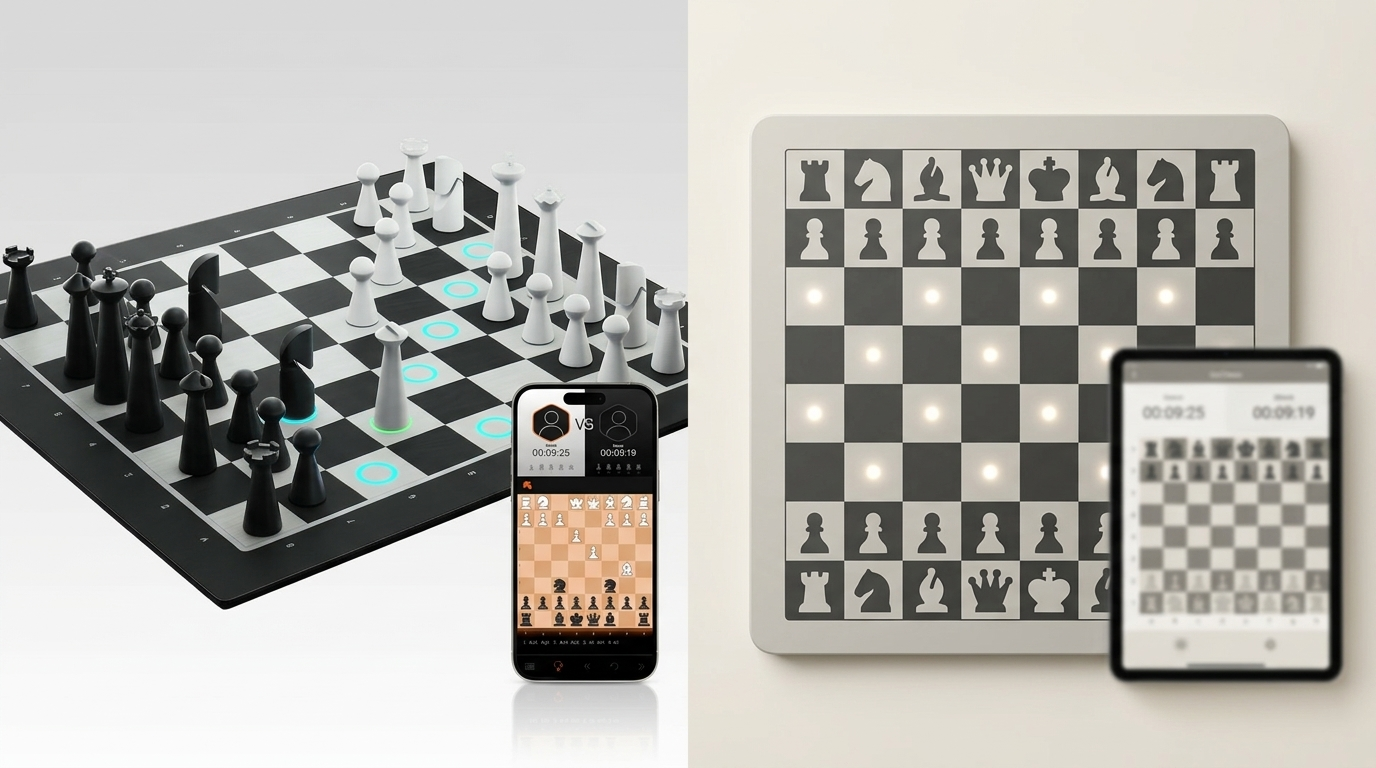
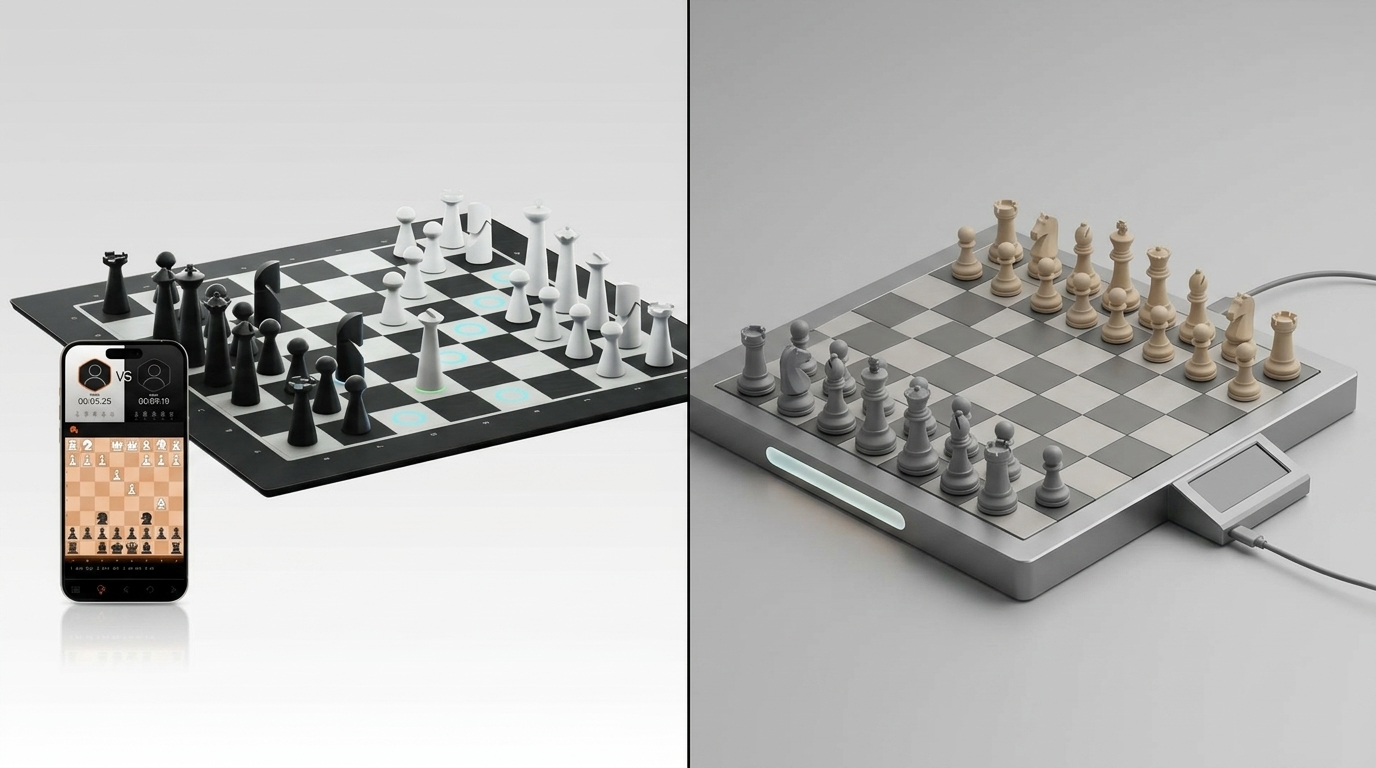
Before the fit test, a quick context on why GoChess keeps showing up everywhere. It’s not just another smart chessboard; it combines AI-powered play with 32 difficulty levels, with an intelligent lighting system that gives real-time hints and alerts while you play.
It’s also built to bounce between face-to-face, online, and vs AI play, with Chess.com and Lichess compatibility, so the board can follow whatever chess mood you wake up with.
Here’s the gut-check: GoChess fits most people really well, but not everyone. For example, advanced and professional-level players may find the AI coaching too limited for the kind of deep analysis they want. It may also be less suitable for people who are starting completely from zero and need to learn chess from the absolute basics, or for anyone who strongly dislikes apps, pairing, and connected devices in general.
So scan this table, and you’ll know if it’s a strong match or if a different style of smart chessboard would make you happier.
|
If this is you… |
GoChess will likely fit because… |
You might prefer something else if… |
|
You play online a lot |
It keeps your Chess.com/Lichess routine but adds a real-board feel |
You never play online and don’t want to start |
|
You miss real pieces |
It brings back the satisfying physical move-making |
You’re totally happy playing only on the phone/PC |
|
You want to improve casually |
Coaching lights can help without turning it into homework |
You’d rather study in a traditional way (books, videos, courses) |
|
You like choosing how much help you get |
Guidance can be adjusted so it stays chill |
You want zero hints, zero prompts, zero “smart” feeling |
|
You’re okay with an app |
The app is what makes modes + online play smooth |
You strongly prefer devices that work without accounts/pairing |
|
You want quick sessions |
Great for short games, quick puzzles, and “10 minutes of chess.” |
You want a classic board experience with no tech layer at all |
|
You’re buying for a household |
Works well when skill levels differ because help can be tuned |
Everyone wants the exact same serious tournament vibe |
|
You just want a safe buy |
It’s a flexible “covers most use cases” kind of board |
You want one ultra-specific use case done perfectly |
If you nodded more than you paused, there’s a good chance GoChess is a natural fit for you.
How GoChess Fits More People Than You’d Expect

GoChess feels like a fit for almost everyone because it is not limited to one kind of player or one way of playing. It works across different habits, skill levels, and chess routines.
It adapts to how you like to play
GoChess can move between:
- AI play for solo games
- online play through Chess.com or Lichess with real pieces
- face-to-face play on a physical board
AI coaching stays flexible
The AI coaching can support the game without taking it over. Depending on what you want, it can:
- guide moves
- highlight legal squares
- warn against mistakes or blunders
And if you want less help, you can turn that guidance down.
How it works for most people
As you can probably tell by now, GoChess is one of those smart chessboards that can work for a surprisingly wide range of people, not because everyone uses it the same way, but because it adapts to different chess routines, goals, and playing styles.
To make that clearer, let’s look at the kinds of players GoChess tends to fit best.
10 Types of People GoChess Is For
1. Online-first player who misses real pieces (Chess.com/Lichess)
You already live online. GoChess basically keeps that habit, but makes the experience feel like chess again (hands, pieces, board presence), instead of pure screen-tapping.

Which version to buy:
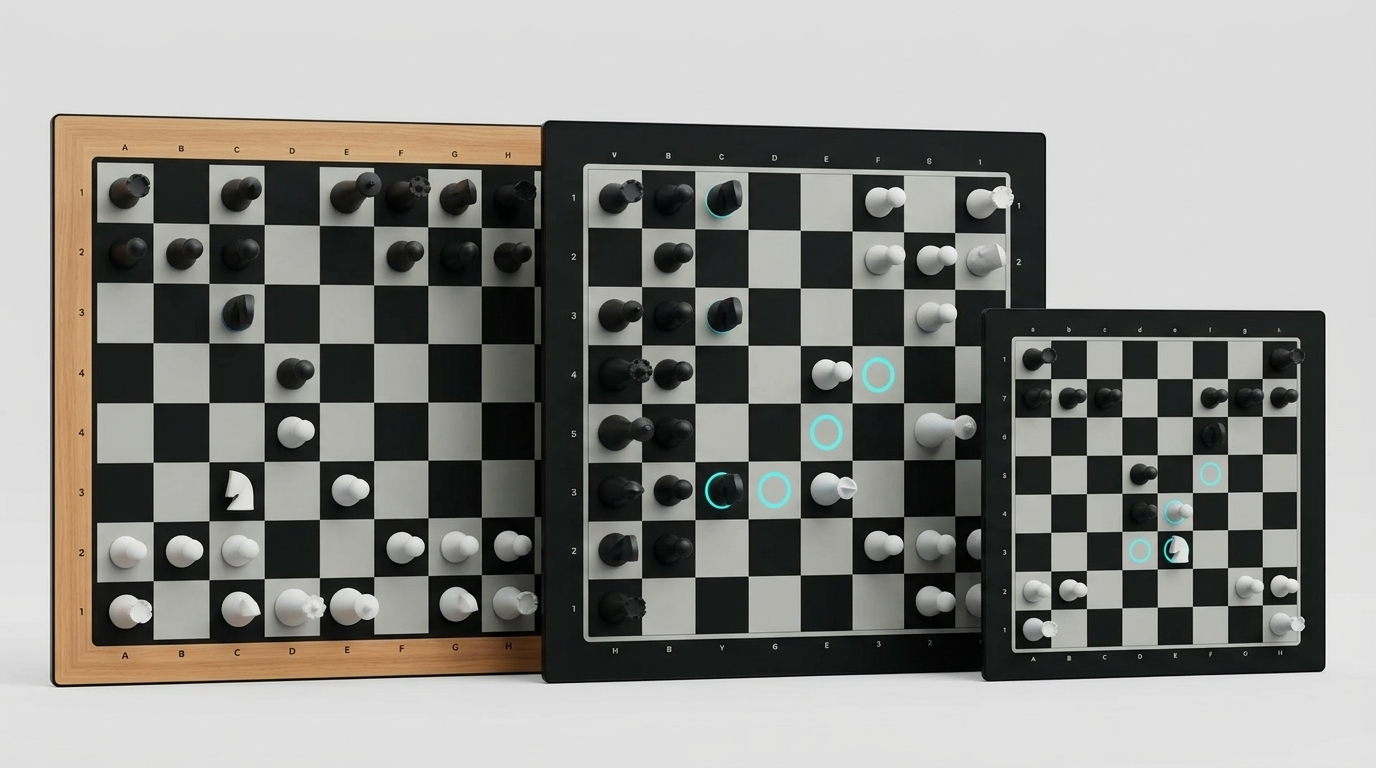
- Lite Modern if you want the sleek, minimal look
- Lite Classic if you want the traditional chessboard aesthetic
- GoChess Mini if you need portability, or you’ll store it away between sessions
Tip: Keep one online time control as your default, so setup feels routine, and you actually use the board regularly.
2. Returning a low-to-mid rated player (who actively wants to improve)
You want to play more, get better at chess naturally, and not turn it into homework. The coaching and quick sessions make it easier to rebuild rhythm, spot mistakes, and get back into regular play without making it feel too study-heavy.
Which version to buy:
- Lite Modern/Lite Classic if this is your main home board
- GoChess Mini if the real win is how often you’ll actually pull it out
Tip: Use the coaching in short sessions first, so improvement feels consistent instead of overwhelming.

3. Family or mixed-skill household (one board, different skill levels)
It’s great when one person is learning, another is improving, and someone else just wants a fair game. Assistance can make the match feel close instead of inevitable.
Which version to buy:
- Lite Modern/Lite Classic (bigger board = easier shared play at a table)
Tip: Set one shared “family mode” before the first game, so switching between players does not become annoying.

4. Gift buyer who wants a safe “wow” (tech gift, teen gift, collector gift)
t’s instantly impressive, but it’s not a one-week novelty. It’s the kind of smart gift for the tech guy that’s fun for him immediately. He can start playing, learning, or jumping into online matches right away, and it looks premium enough to feel like a real gift.
Which version to buy:
- Lite Modern for a clean, modern gift vibe
- Lite Classic for traditional style
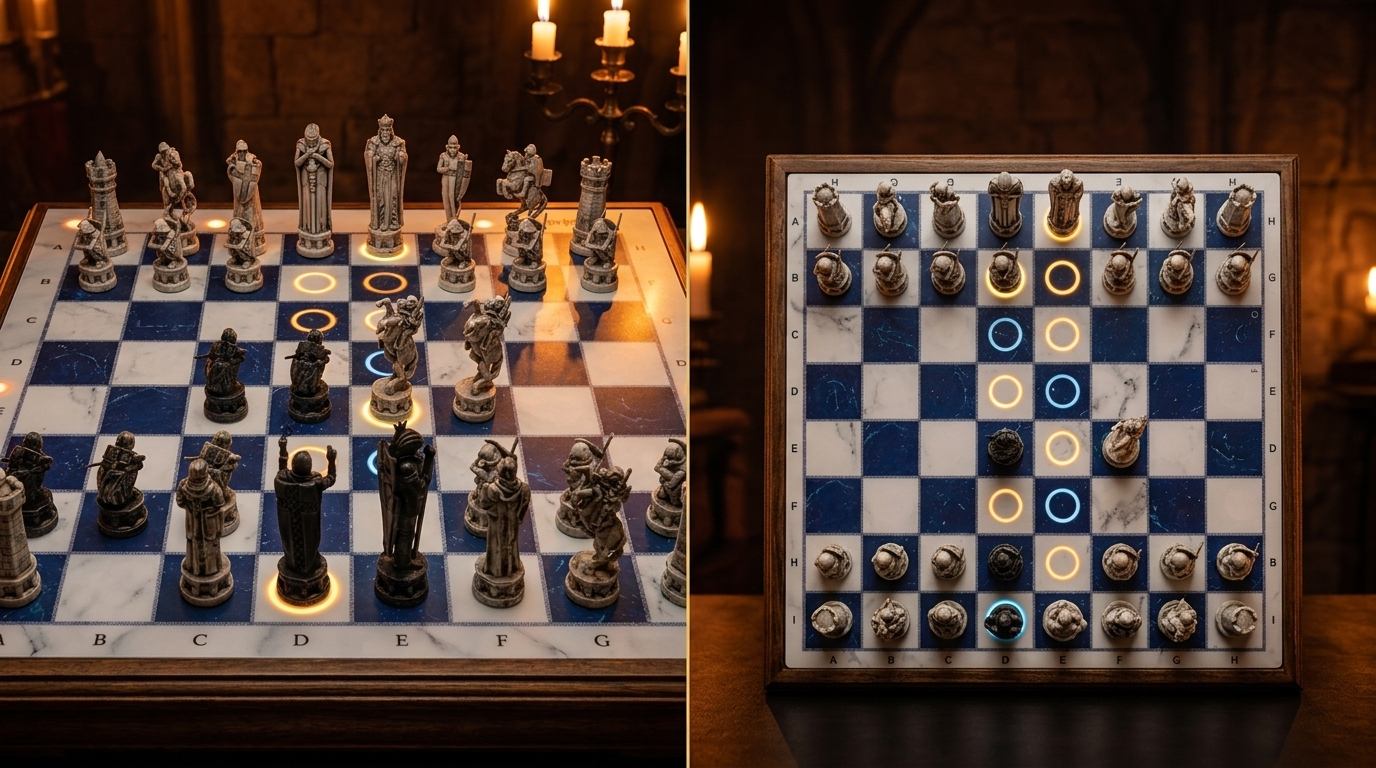
- GoChess Wizard if the theme/collectible angle is the whole point. And you want it to feel official. It’s a Wizarding World/Warner Bros. licensed set, and the pieces are designed to echo the movie look with lots of detail, so it works as a display piece and a playable smart board.
Tip: Gift success depends on whether the receiver likes smart guidance.

5. Small-space or travel-first player (the board has to earn its footprint)
You want real chess, but you don’t have space for a forever board. Mini fits apartments, dorm desks, offices, and “pack it away” routines without killing the smart experience.
Which version to buy:
- GoChess Mini (this is exactly its lane)
Tip: Choose a storage spot before buying, so the board stays easy to grab instead of becoming cupboard furniture.

6. People who prefer physical boards over screens (want AI games without staring at a display)
You like the idea of playing against a computer, but you want it to feel like real chess, hands-on pieces, brain on the board, not eyes glued to a screen.
Which version to buy:
- Lite Modern/Lite Classic if it’ll live at home
- GoChess Mini if you want a board you can grab and play anywhere
Tip: Treat it as a replacement for one daily screen session, and keep the guidance as quiet as you like.

7. Beginner-to-advanced household (wants one board that grows with you)
This is for people who don’t want to buy a beginner chessboard now and upgrade later. You want something that works today (learning and confidence) and still feels right as you improve.
Which version to buy:
- Lite Modern/Lite Classic for the full-size long-term board
- GoChess Mini if the priority is frequency of use and easy storage
Tip: Revisit the assistance level every few weeks so the board keeps matching the strongest and weakest players in the house.

8. Solo players without regular opponents (no one around to play with)
You want to play chess regularly, but you do not always have someone to play with. GoChess makes that easier by letting you play against AI on a physical board, so you can still get real board time even when no one else is around.
Which version to buy:
- Lite Modern/Lite Classic if it’ll be your main home board
- GoChess Mini if you want something easy to take out and pack away.
Tip: Leave it ready to play whenever possible, because solo use depends heavily on low friction.

9. Parent buying for the kid (but secretly buying it for themselves too)
This isn’t the classic parent + one child combo. You want a board that teaches your kid chess and makes it feel exciting for them, while still being genuinely fun for you.
Which version to buy:
- Lite Modern for the sleek, giftable “wow” factor
- Lite Classic for traditional board energy
- GoChess Mini if it’s going to move between rooms, school bags, or grandparents’ house
Tip: Start with the lights turned on for confidence, then slowly reduce assistance over a few weeks. It keeps the kids excited and stops them from depending on hints.

10. Tech enthusiasts and gadget lovers (who care about the whole tactile vibe)
Specs are cute, but the real question is: does it feel premium every time you touch it? This is for the person who notices cheap plastic instantly and wants the board to feel like an object worth owning.
Which version to buy:
- Lite Modern for premium-minimal design
- Lite Classic for premium-traditional design
- GoChess Wizard if you want the most premium, statement-piece version, the kind that looks like it belongs on display even when nobody’s playing. It’s for buyers who care as much about the sculpted, collectible feel as the smart features.
Tip: Pick the version you will actually keep visible, because premium feel matters most when the board stays part of the room.

Before You Buy GoChess (8 Things That Prevent Regret)
Quick reality checks. If these feel fine, you’re probably making a good buy.
-
App tolerance
If you don’t mind pairing and using an app, you’ll be fine. -
If you play against AI
You’ll still move the pieces yourself. It’s a smart board, not a self-moving one. -
Pro/subscription clarity
Know what changes after any free period and what Pro actually unlocks, so you’re not surprised later. -
Platform fit
If you’re loyal to Chess.com or Lichess, make sure your setup matches how you actually play there. -
Where it will live
Table, shelf, drawer, bag. If it has no home, it won’t become a habit. -
Who’s using it most
You, a kid, a partner, the whole house. This affects how you’ll set GoChess’ AI coaching guidance and modes. -
Guidance vibe
If hints motivate you, keep them. If they annoy you, turn them down/off and enjoy the board feel. -
First setup, done calmly
Charge, update the app, pair with one device nearby. A smooth first session usually sets the tone.
If this list didn’t scare you off, you’re basically at the finish line. Pick the version that matches your chess life and move on with your life.
GoChess is the Kind of Board That Won’t Collect Dust
GoChess is a simple deal dressed up as the world’s smartest chessboard. It tries to get you to play more chess.
If it fits your life, it’s great. You’ll play online without feeling like you’re doomscrolling. You’ll do a quick game and accidentally do three. You’ll make a move, see the board react, and feel oddly proud of yourself for owning an object that encourages good decisions.
If it doesn’t fit your life, it’s still great… at being a very premium reminder of unfinished hobbies.
So pick the version you’ll actually touch. The one that fits your table, your storage, your routine, and your tolerance for apps. Then stop researching, make a move, and let the lights judge you quietly.
And, may your blunders be rare.
FAQ
Is GoChess good for beginners?
GoChess can work well for beginners, especially if they already know the basics of how chess moves and want a more guided, less intimidating way to play. The lights and coaching features can help make the game easier to follow, but it is not the same as a full from-zero chess course.
Can advanced players use GoChess?
Yes, advanced players can still use GoChess, especially if they want a physical board for online play or casual games. That said, some stronger players may find the coaching too limited or too talkative for the kind of deep analysis they want, so it often works better as a connected board than as a serious training tool at that level.
Is GoChess good for kids?
GoChess can be a strong fit for kids, especially when they learn better by doing than by listening. The guidance can make chess feel more fun and less frustrating, and parents can reduce the assistance over time as confidence grows.
Who is GoChess not for?
GoChess is probably not the best fit for people who want a completely screen-free and app-free experience, or for players who need very deep, advanced analysis. It may also be less suitable for someone learning chess entirely from zero, with no basic understanding of how the pieces move.
Is GoChess good for families?
Yes, GoChess is especially useful for households where people play at different levels. The adjustable guidance makes it easier to keep games fun and approachable instead of making every match feel one-sided.
For current product details, see GoChess Lite Modern. Check the official listing for current availability and supported features before choosing.
Frequently asked questions
Who is GoChess Lite Modern best suited to?
It is a practical fit for someone who already wants to play chess and values light guidance, face-to-face games, online play, or AI practice. Choose it around the mode that person will actually use.
Is GoChess Lite Modern useful for solo players?
Yes. Its AI mode includes 32 AI levels, giving a solo player multiple levels to use for chess practice.
Can GoChess Lite Modern suit people who prefer in-person chess?
Yes. Face-to-face play is one of the verified modes on the official product listing, so players can share a physical game across the board.
What should an online player confirm before choosing GoChess Lite Modern?
The official listing includes online play among the supported modes. Review the current product page to make sure the available online experience matches how you want to play.